Printable kit · 12 worksheets
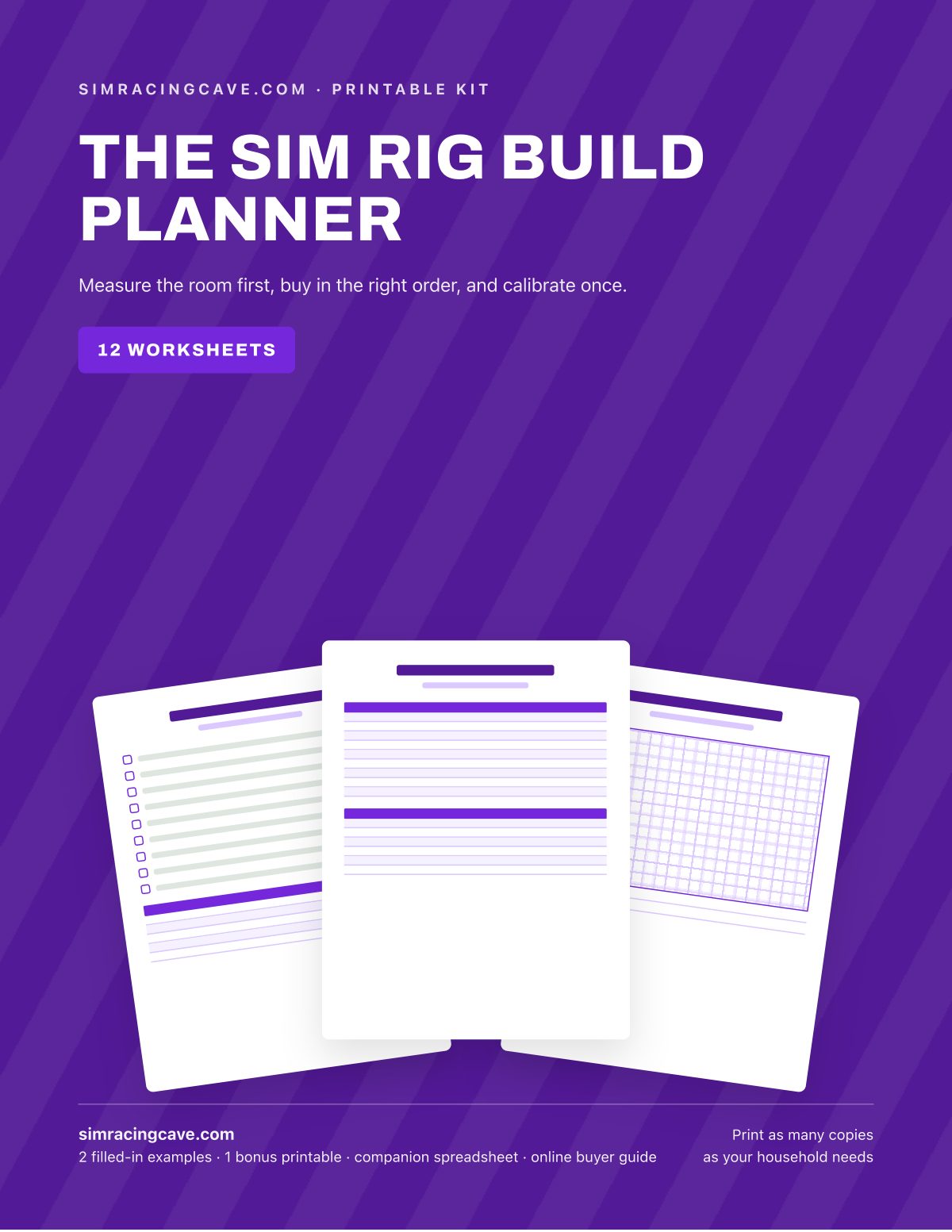
The Sim Rig Build Planner
- 12 fill-in worksheets, 44 print pages
- 2 filled-in examples and a companion spreadsheet
- Online buyer guide with 3 budgeted complete builds
Replaces the forum thread you can never find again, the force feedback gain you reset by feel every season, and the seat position that vanishes the moment someone else drives the rig.
30-day money-back guarantee. Use it all; if it doesn't help, every dollar back.
Measure the room, set the position, and calibrate the pedals and the wheel once, on paper, so you never buy the frame twice.
Look inside
Real pages from the PDF you download, including both filled-in examples. Swipe or scroll.
What's in it
See all 12 worksheet titles
- Rig at a Glance
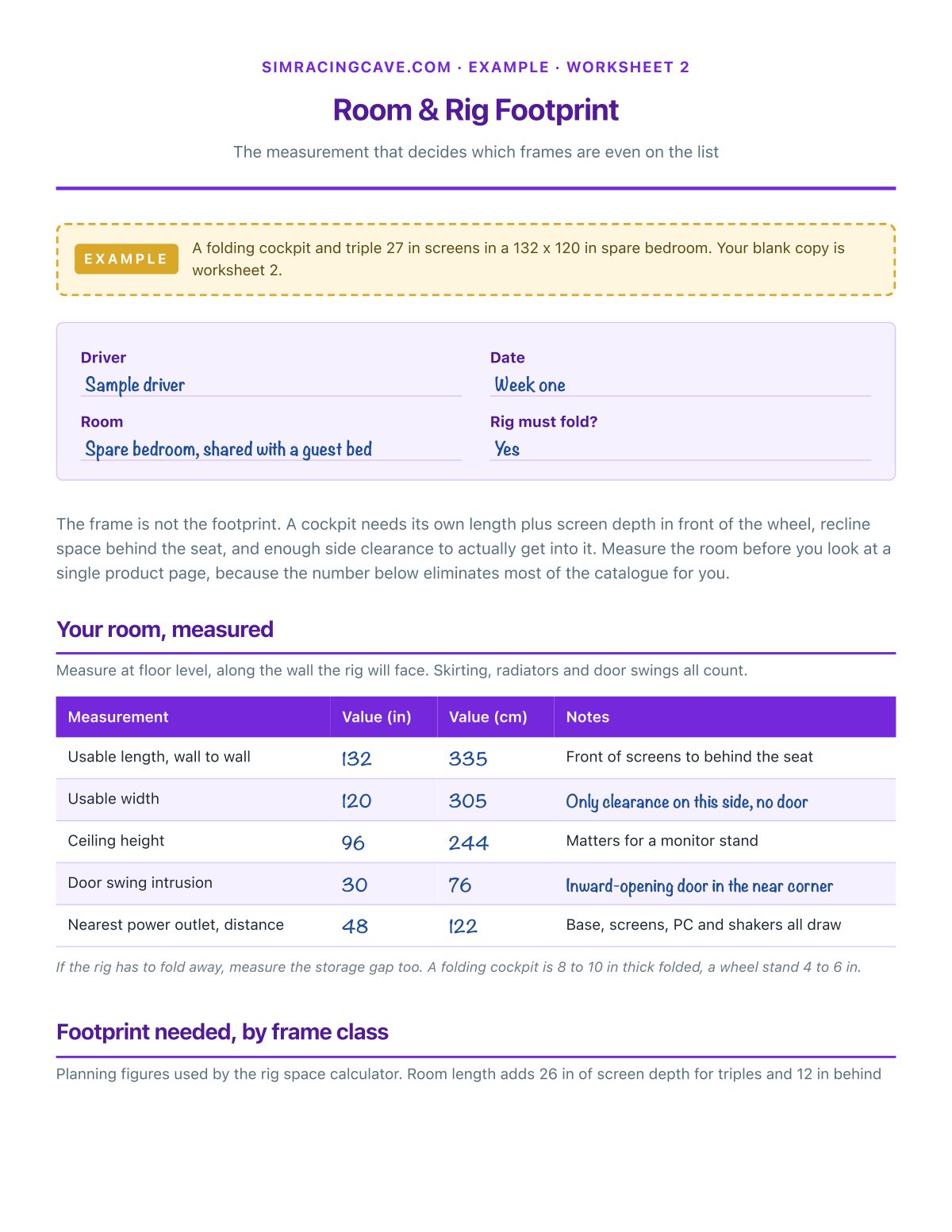
- Room & Rig Footprint
- Seating Position Record
- Monitor Size & Field of View
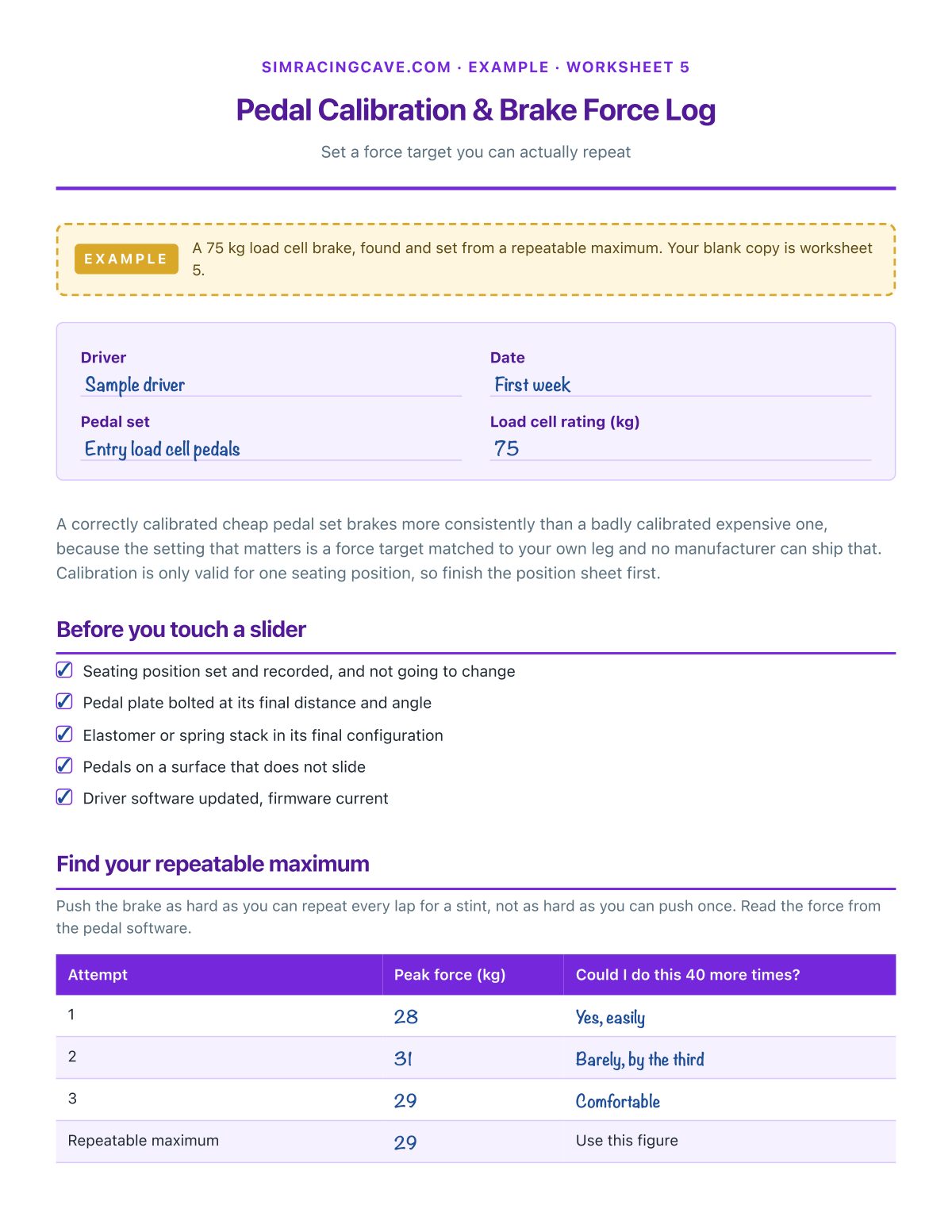
- Pedal Calibration & Brake Force Log
- Force Feedback Settings Log
- PC Spec & Pixel Budget
- Build Order & Budget Tracker
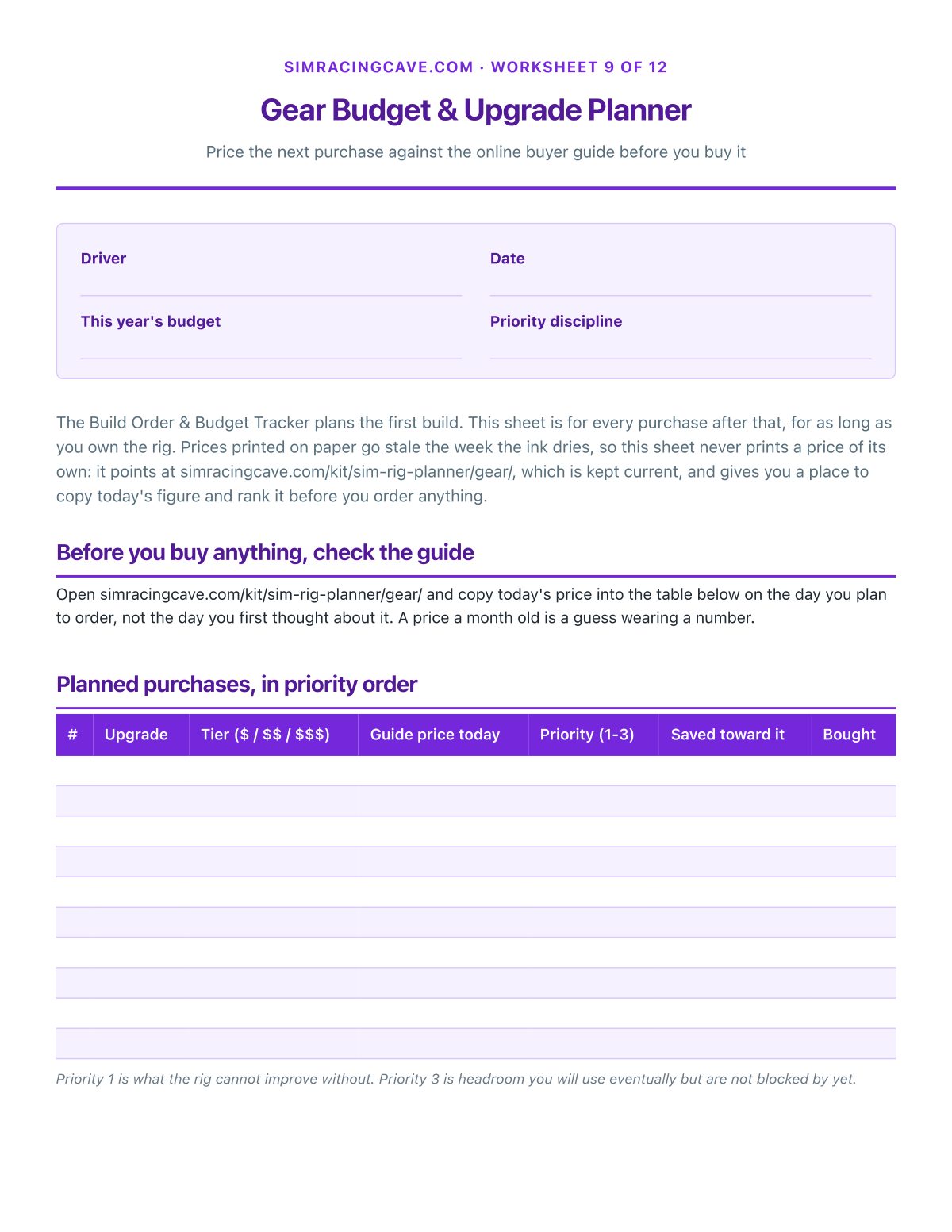
- Gear Budget & Upgrade Planner
- Maintenance & Event-Day Prep Planner
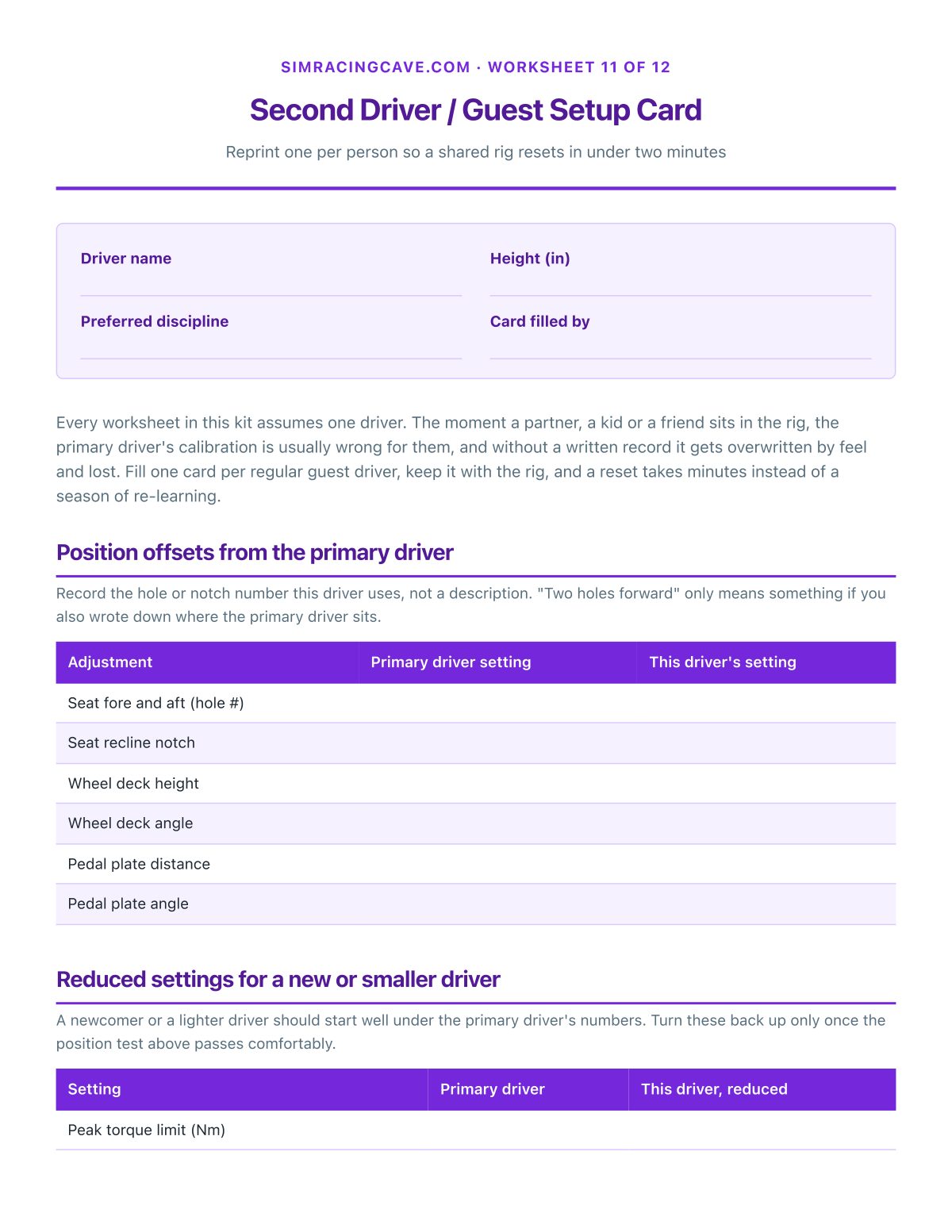
- Second Driver / Guest Setup Card
- Setup Change & Session Log
Also included
- 2 filled-in example worksheets. Room & Rig Footprint and Pedal Calibration & Brake Force Log, worked through with real numbers, so you can see a finished page before you start.
- 1 bonus printable. Rig Sketch & Cable Map: Sketch the room, the frame footprint and every cable run, one sheet per layout you try
- 1 companion spreadsheet. A companion spreadsheet that does the math: room footprint and field of view from your own measurements, a gear budget with running totals, a maintenance tracker that flags what is due, and a session log. Tabs: Rig numbers, Gear budget, Maintenance, Session log, Second drivers.
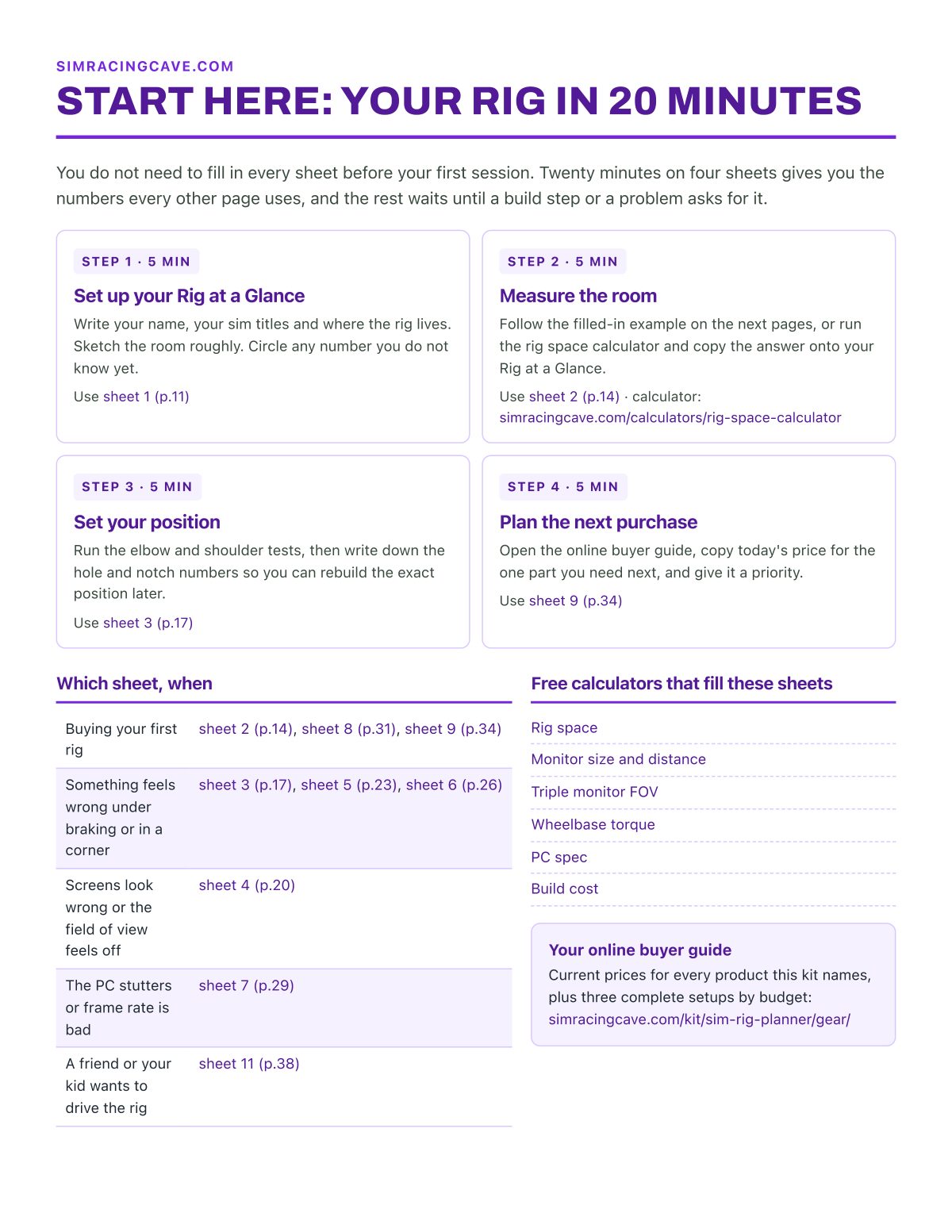
- 1 start-here page. The four sheets to fill in the first 20 minutes, and which sheet to reach for when.
Plus the online buyer guide
Three complete rig builds at three budgets, every item priced and linked, plus every product the kit names, kept current on this site. Your kit links straight to it, so the prices you plan with are today's, not the day the PDF was printed.
Who it's for
- Anyone about to buy their first wheel, pedals or cockpit who wants to buy the frame once
- Drivers who reset force feedback and pedal calibration from memory every season
- Shared rigs where a second driver keeps losing the primary driver's settings
- Anyone planning the jump from a wheel stand to a bolted cockpit and a stronger base
Who made this
Built by the SimRacingCave team, the people behind the free rig calculators on this site, from manufacturer torque and travel figures, published frame dimensions and patterns in verified owner reviews. Researched, not hands-on tested.
30-day money-back guarantee
Use the whole kit. If it doesn't help, fill in the refund form within 30 days and you get every dollar back. No questions asked. Refund form.
Questions
How do I get it?
Pay on the secure Stripe checkout and you land straight on your download page: the full PDF, a ZIP of every sheet as its own printable page, and the companion spreadsheet. Bookmark that page to download again later.
Can I print it more than once?
Yes. Print as many copies as your rig needs, and reprint the reusable logs and the Second Driver card every time a new person sits in the rig.
What if it is not what I expected?
Use the whole kit. If it does not help, fill in the refund form within 30 days and you get every dollar back. No questions asked. Refund form.
I already have a rig built. Is this still useful?
Yes. The Rig at a Glance, the maintenance planner, the second-driver card and the upgrade budget are all built for a rig that already exists, not just a first build.
How is it different from the free calculators?
A calculator answers one question and forgets it. The kit keeps your rig's numbers together, turns the recurring maintenance into a dated plan, and gives you a budget you can shop in stages against the online buyer guide.
The Sim Rig Build Planner
12 worksheets · 44 pages · examples, workbook and online buyer guide